Your cameras
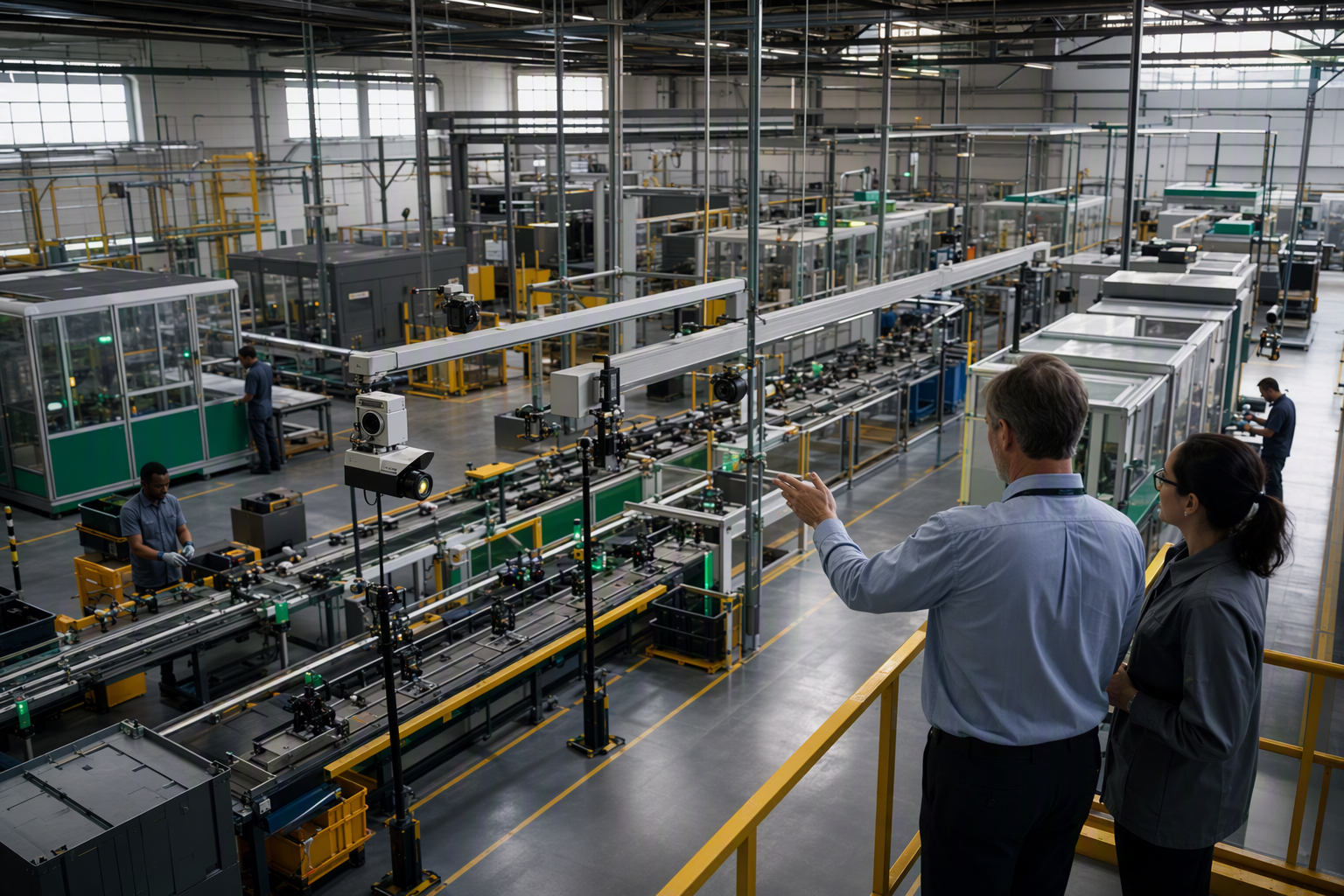
Bring qualified cameras already in the plant or choose supported new ones.

Bring qualified cameras already in the plant or choose supported new ones.
Use a supported factory-owned edge device. Production inference always runs here.
Train in a supported cloud account your company owns. Keep your images, models and inspection IP.
Add unlimited use cases within the licensed factory.
Factory-owned AI. Factory-wide value.
A working inspection is the beginning, not the limit. Your team can train, deploy and update models through a no-code workflow. Each new use case builds on the same platform and factory software license.
Build the business case for your factory
One inspection, made visible
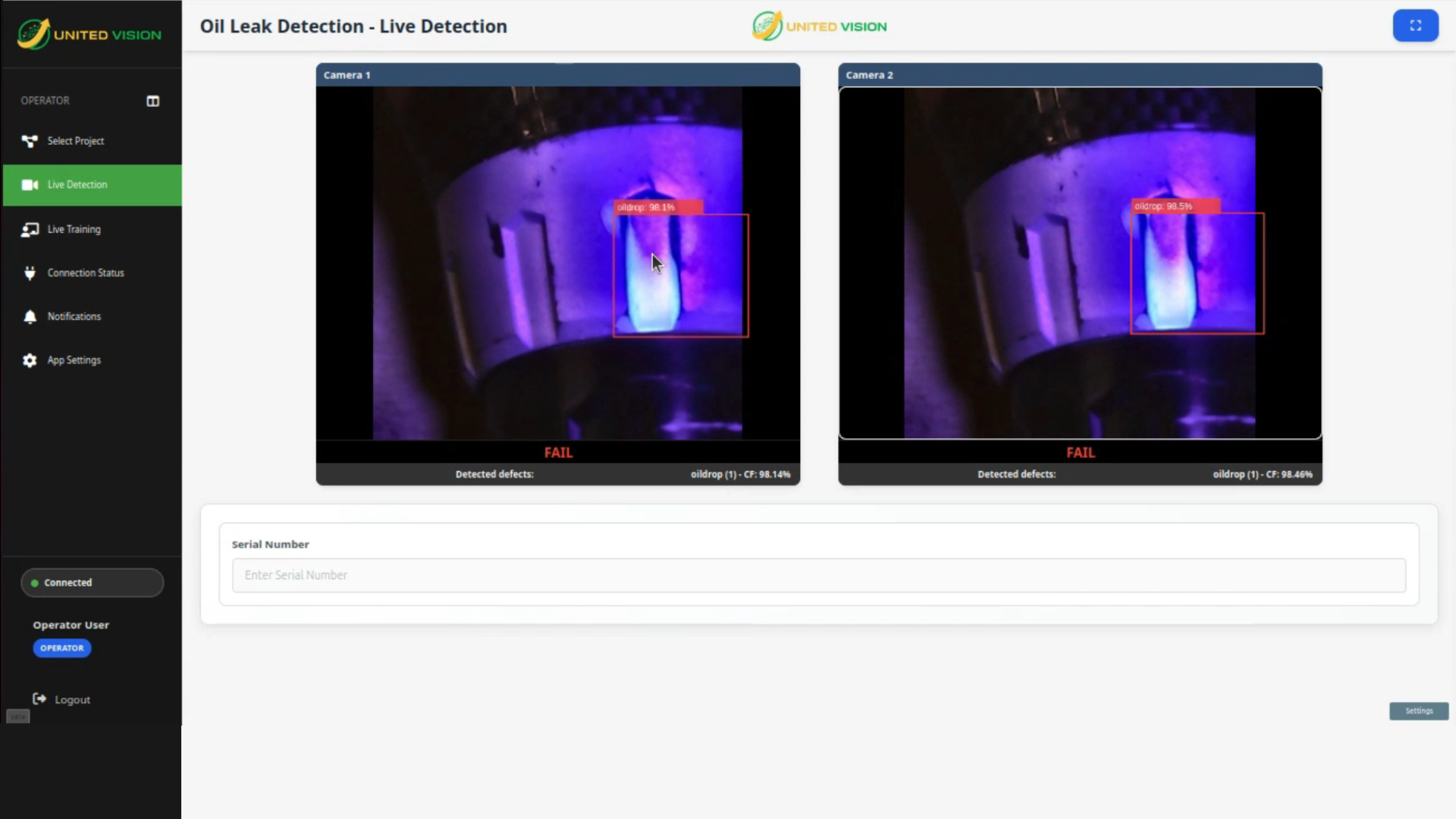
This camera view shows a fluorescent region on the housing.
The orange box marks the region flagged by the model.
The screen displays FAIL. The plant defines the follow-up action.
Prove it on your line. The displayed confidence is not measured inspection accuracy. Validate missed defects, false rejects and capture-to-response timing on representative production parts.
Plant-owned inspection workflow
Collect representative images where the quality challenge occurs.
Plant experts identify the product, region, defect, severity, and decision.
Train a customer-owned model in your company's cloud account through the platform's no-code workflow.
Run the trained model on a supported factory-owned edge device. Production inference always happens at the edge for real-time detection.
Add or retire defect classes, retrain, redeploy, and move to the next inspection.
Implementation support remains available when needed. Plant teams simply do not have to return to an outside specialist for every inspection change.
Inspection loop
The camera supplies the frame. The plant expert defines what matters. United Vision carries that decision to the edge and makes feedback part of the next improvement.
Capture
Start with production evidence from the line and condition where the inspection needs to work.
Define
The people closest to the work define what the inspection needs to recognize and how the result should be used.
Train
Use representative visual evidence to train and refine the inspection for the actual production condition.
Deploy
Bring the trained inspection back to the line so incoming images can support the configured operating response.
Adapt and repeat
Keep the inspection current as products and conditions change, then apply the same plant-owned workflow to another use case.
Platform


Training · existing product screen
Label representative production images, train a candidate model and validate it against held-out evidence before release. Review new versions as production changes.
View the full training screenDetection · existing product screen
The product screen shows an oil-leak inspection and its displayed decision. Model confidence is not measured inspection accuracy.
Sub-50ms verdicts depend on the supported edge setup, model and image conditions. Qualify capture-to-action timing for the actual line; a verdict time is not the complete response time.
View the full detection screenBefore deployment · existing training screen
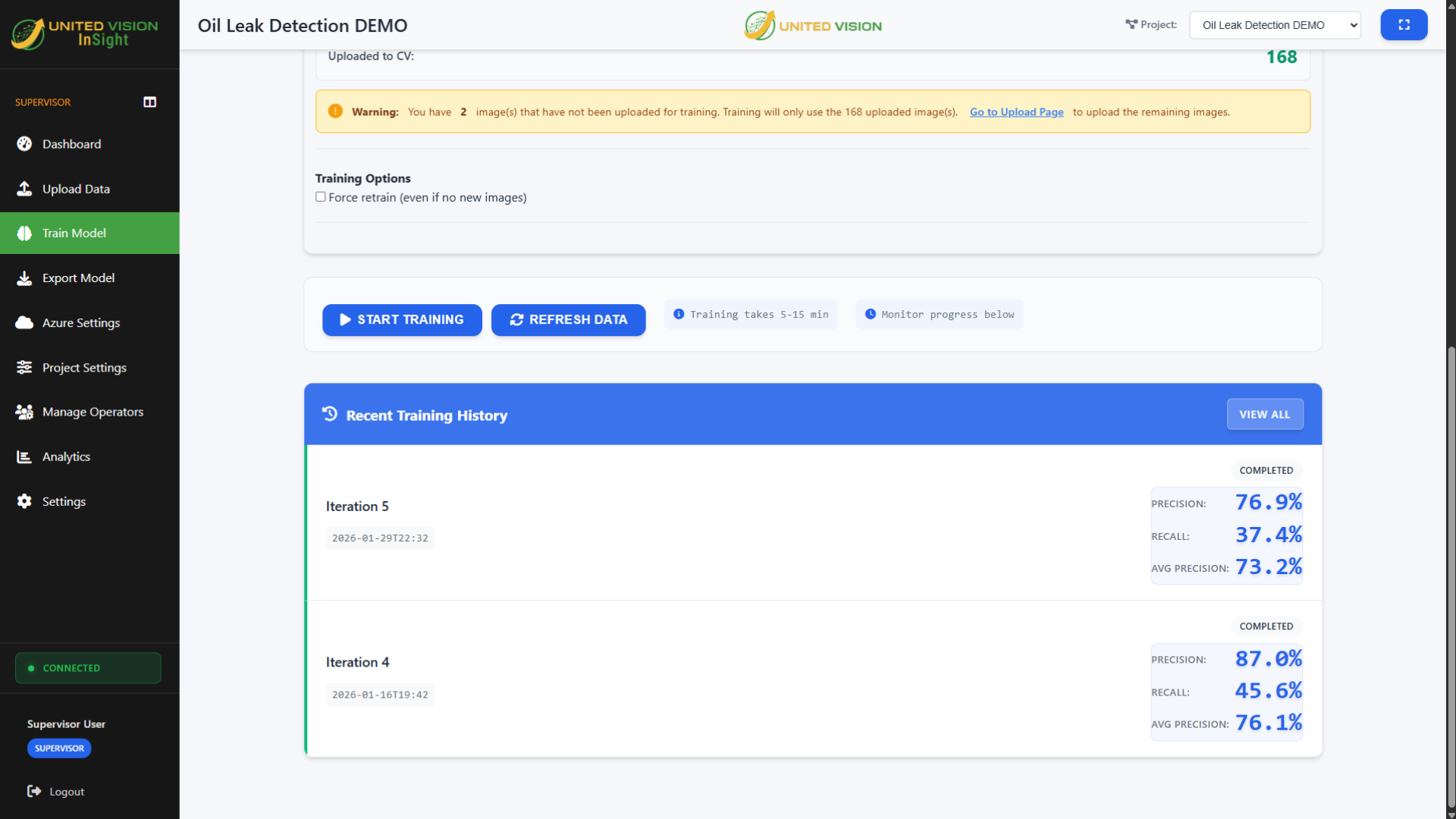
This screen shows training options and iteration history. The displayed training metrics do not establish production accuracy or show a completed deployment. Validate the model on held-out production evidence, then qualify the target edge device and release process.
View the full training-history screenAdministration · illustrative view
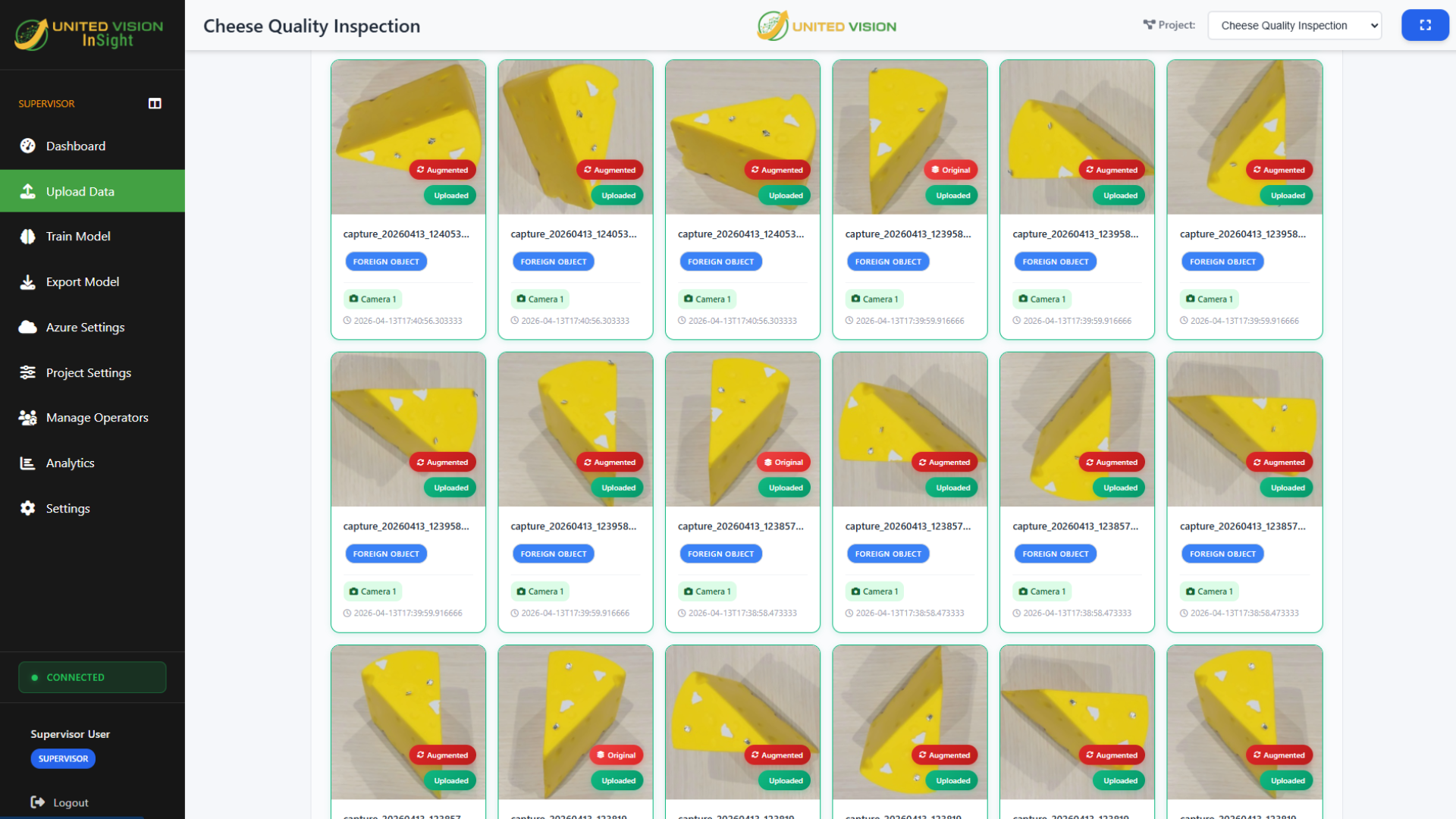
This illustration outlines the management workflow. Confirm user roles, version records and release responsibilities for the proposed deployment.
View the full illustrationInspection capabilities
From visible surface flaws to hidden inclusions, identification, assembly, movement, and safety, United Vision gives plant teams a consistent way to turn camera evidence into operating decisions.

Define visible surface defects or X-ray-visible conditions, then validate them on representative images. Surface appearance does not establish internal soundness.

Measure lengths, gaps, radii, hole positions, and tolerance bands without contact.

Read printed, etched, embossed, and dot-peened serial numbers, date codes, and lot IDs.

Confirm that required components are present, correctly placed, and properly oriented.

Check label appearance and read supported printed fields or codes. Expected-value matching needs a qualified reference; reading is separate from standards-based print-quality grading.

Establish a visual baseline from good parts and flag deviations that do not belong.

Count and classify mixed parts, then connect the decision to the configured sort or reject path.

Monitor configured zone events as an advisory aid. Safety-rated protection and regulatory compliance require separate systems and assessment.
Compare
Understand when rules, AI or a hybrid fit your inspection. If you are already evaluating suppliers, open a direct comparison below.
See where rules, learned models or a hybrid fit, and what to validate before choosing.
Read the methods guideCompare installed systems, camera reuse and the path to additional factory inspections.
Read comparisonCompare VS and IV4-H station configurations with a factory software platform.
Read comparisonCompare Spark and OVX Core, training location, hardware choices and software scope.
Read comparisonCompare visual inspection needs with electronics investigation and manufacturing data workflows.
Read comparisonUse cases
Start with the production decision you need to protect. Then measure the value of improving it, from fewer defect escapes and less rework to more consistent inspection.
Oil-leak detection
Your IP
Your company owns its trained models, plant-floor images and customer-specific inspection IP. The production knowledge captured in each model becomes an asset your team can build on, not knowledge confined to an outside developer's project.
Training runs in a supported cloud account your company chooses and owns. United Vision does not use customer IP to train or improve shared, general, or third-party AI models.
Explore model and data ownershipInsights
Operations
Economics
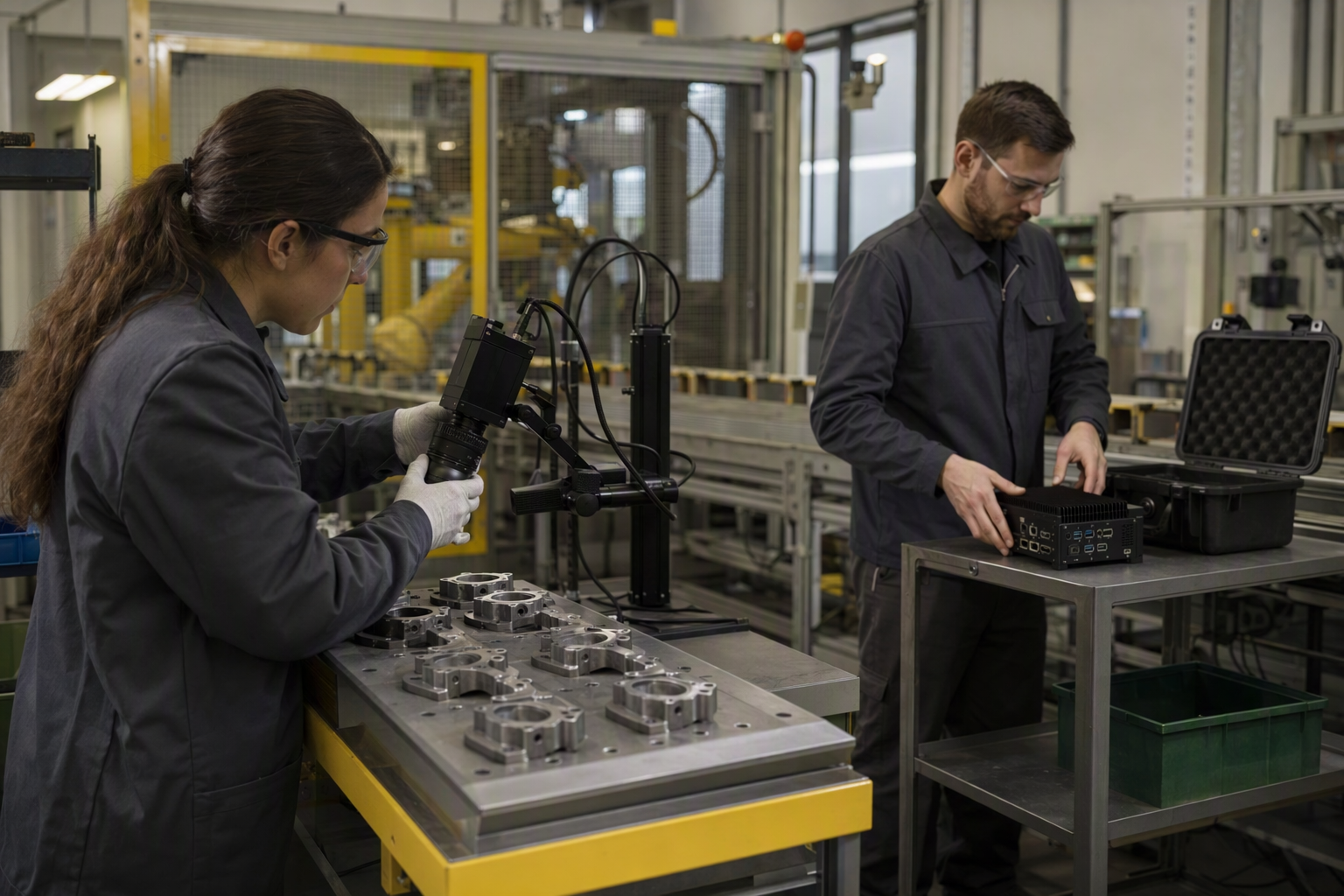
Plant ownership
FAQ
Direct answers about manufacturing inspection, self-service, cameras, deployment, factory licensing, and customer ownership.
AI visual inspection uses models trained on representative production images to identify defined defects, conditions, objects, measurements, text, or anomalies. It can support manufacturing quality checks where visual conditions vary, while plant teams remain responsible for defining, validating, and acting on the inspection.
United Vision is hardware- and cloud-agnostic Vision AI for manufacturing. Plants can bring supported cameras and edge devices, keep production inference at the edge, run United Vision cloud services in a supported cloud account they choose and own, and add unlimited use cases under one factory license.
United Vision gives plant teams control of the inspection-model lifecycle and supports unlimited use cases under one factory license. Teams can capture examples, train, deploy, update, and repeat without making every new inspection another United Vision software purchase or specialist-led model project.
Plant teams can control the working model lifecycle largely on their own: capture production examples, define and train the inspection, deploy it to a supported factory-owned edge device, retrain it as conditions change, and repeat the process for additional use cases. No data scientists are required for routine use, and implementation support remains available.
United Vision supports qualified customer-owned cameras and edge devices. The equipment, image quality, interfaces, line conditions and inspection requirements are evaluated together; compatibility is not universal and no mandatory United Vision camera or edge appliance is required.
United Vision uses a recurring factory software license with unlimited use cases within the licensed factory. Adding an inspection does not require another United Vision software license for that use case. Hardware, customer-cloud consumption, integration, validation and services are scoped separately. Confirm the factory boundary, renewal terms and deployment scope in the proposal.
No. Camera placement, lighting, integration, validation, and operational response still need to fit the use case. Self-service means the plant is not forced to depend on an outside specialist for every model change or new inspection.
The current capability set includes surface and X-ray inspection, dimensional gauging, OCR and character reading, assembly and presence checks, label and barcode verification, anomaly detection, count and sort workflows, and configured safety monitoring.
The customer owns its trained models, plant-floor images and customer-specific inspection IP. Training runs in a supported cloud account the customer chooses and owns. This does not transfer ownership of the United Vision platform software; licensing, access and any export arrangements are defined in the agreement.
Start with a high-value inspection where the condition, visual evidence, and operating response can be clearly defined. Prove that workflow, then decide where expansion makes sense.
Establish a baseline for the inspection: defect escapes, scrap, rework, false rejects and the current effort required. Estimate improvements using a validated trial, then compare the cash benefit over the same period with software, equipment, cloud, integration, validation and operating costs. Count released staff time as capacity unless it produces an actual cash saving, and avoid counting the same improvement twice. United Vision's three-year business-case worksheet lets you enter your own assumptions; it does not promise a particular return.
Include the recurring factory software license, cameras and lighting, edge compute, cloud consumption, integration, implementation, validation, training and ongoing maintenance. Reuse of suitable equipment can avoid a purchase, but qualification still matters. Budget for new use cases and production changes across the period you are evaluating, not just the first installation.
Within the licensed factory, the additional use case is covered by the same United Vision software license. Your team still defines the condition, supplies representative images and validates the result. A new inspection may require additional imaging, edge capacity, cloud usage, integration or services. The advantage is removing a separate software-license decision for each use case, not claiming every deployment is free.
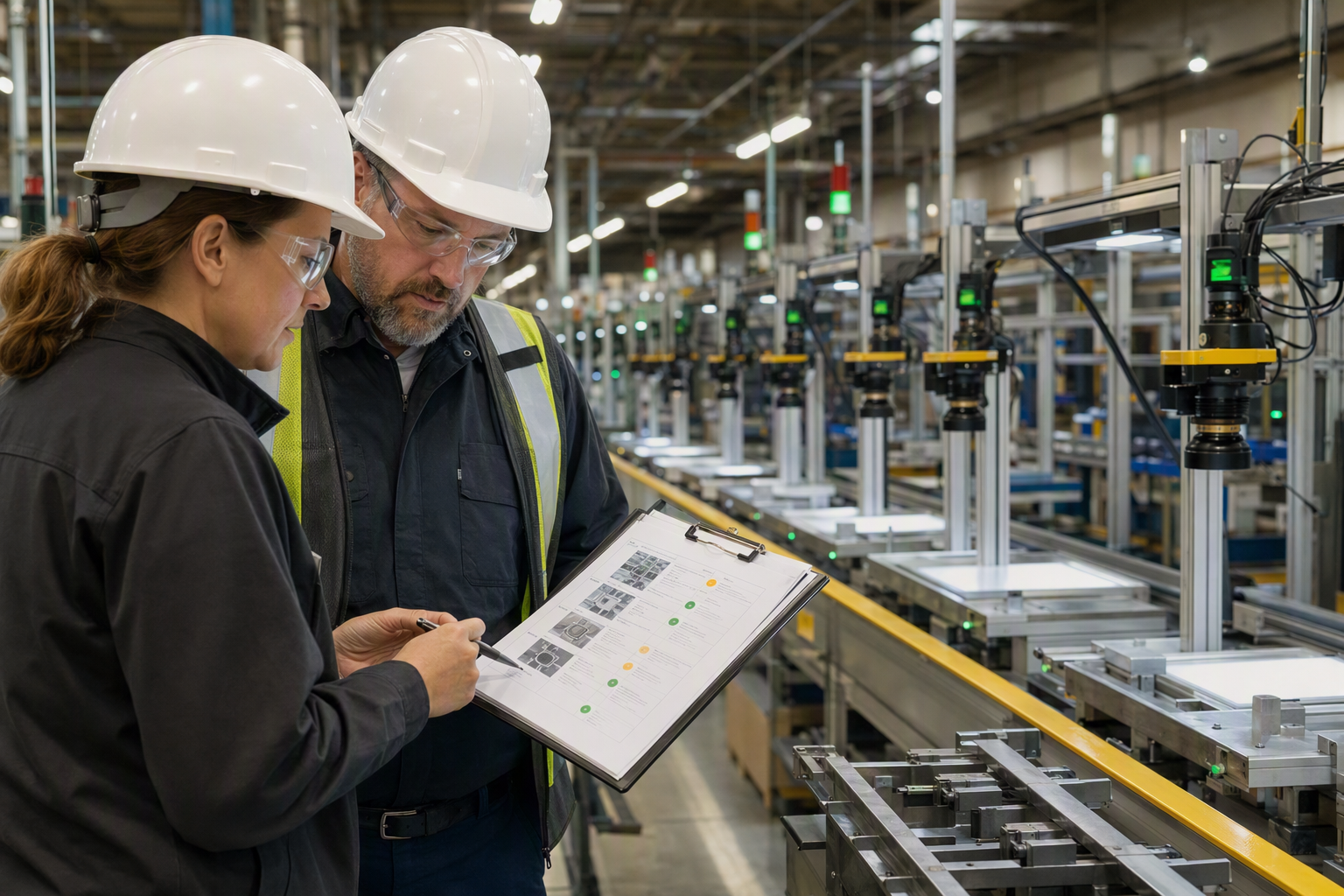
Operations and quality teams bring process knowledge, define acceptable results and provide production examples. Engineering teams turn those requirements into a working inspection by qualifying cameras, lighting, edge devices and line interfaces; IT governs the customer-owned cloud environment and access. The teams use United Vision's no-code workflow to train and validate models, deploy them to the factory edge and update them as conditions change. They agree acceptance criteria, operating responses and release responsibilities together, with implementation partners supporting integration, maintenance and rollout where needed.
No. United Vision is hardware- and cloud-agnostic within supported configurations. Bring qualified cameras and edge devices, keep production inference on the edge device at the factory, and run United Vision cloud services in a supported cloud account chosen and owned by your company.
Tell us what you need to detect, where it appears and what should happen next. Ask a technical question or request a focused 45-minute working session. A finished specification is not required.